
PixelLab Old Version APK Download (2026) – All Older Versions
If you are looking to download Pixellab Old versions, due to bugs or compatibility issues of Pixellab latest versions, then this is the best place for you. Users prefer older versions of pixellab to new versions because of their low storage usage, bug free performance and better stability with their Android devices. This page will help you to download and check which version is compatible with your device. You can download secured and virus free versions of pixellab from this website.
Introduction to PixelLab Older Versions
Are you trying to find and install PixelLab Old Versions? Here you will get all older versions, downloads, and their details. PixelLab’s old versions are more stable and lightweight versions for use on low-end devices. This guide will provide all details about Pixellab old versions and their downloads to choose the right one according to your preference. All older versions of Pixellab are listed below; you can download them from there.

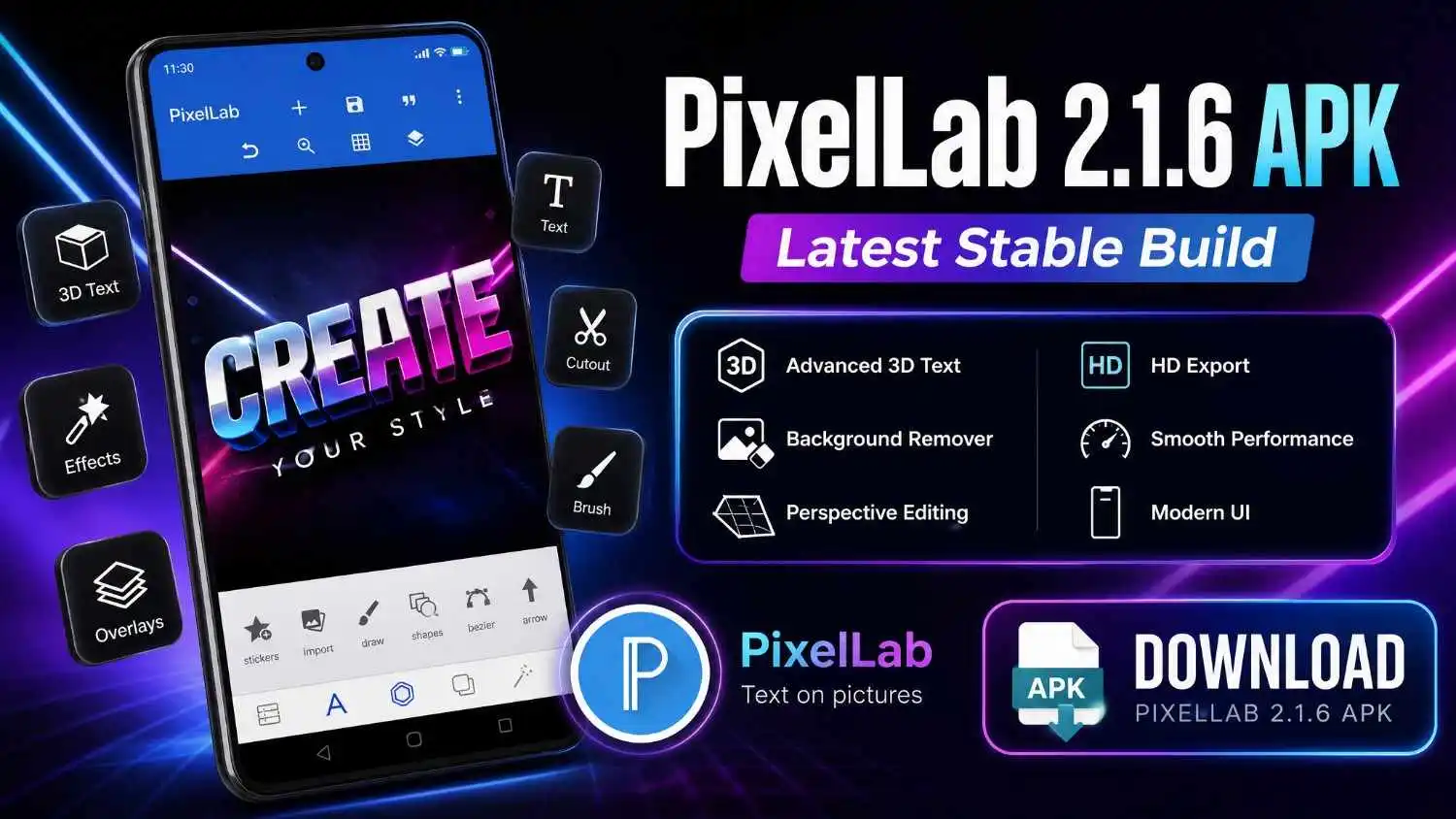
PixelLab v2.1.6
This version was released in Dec 29, 2025. It works smoothly on Android 6.0 or higher. It has almost the same features as the latest version because the latest version has some bug fixes. It is the best version if you want all the features like the latest Pixellab.
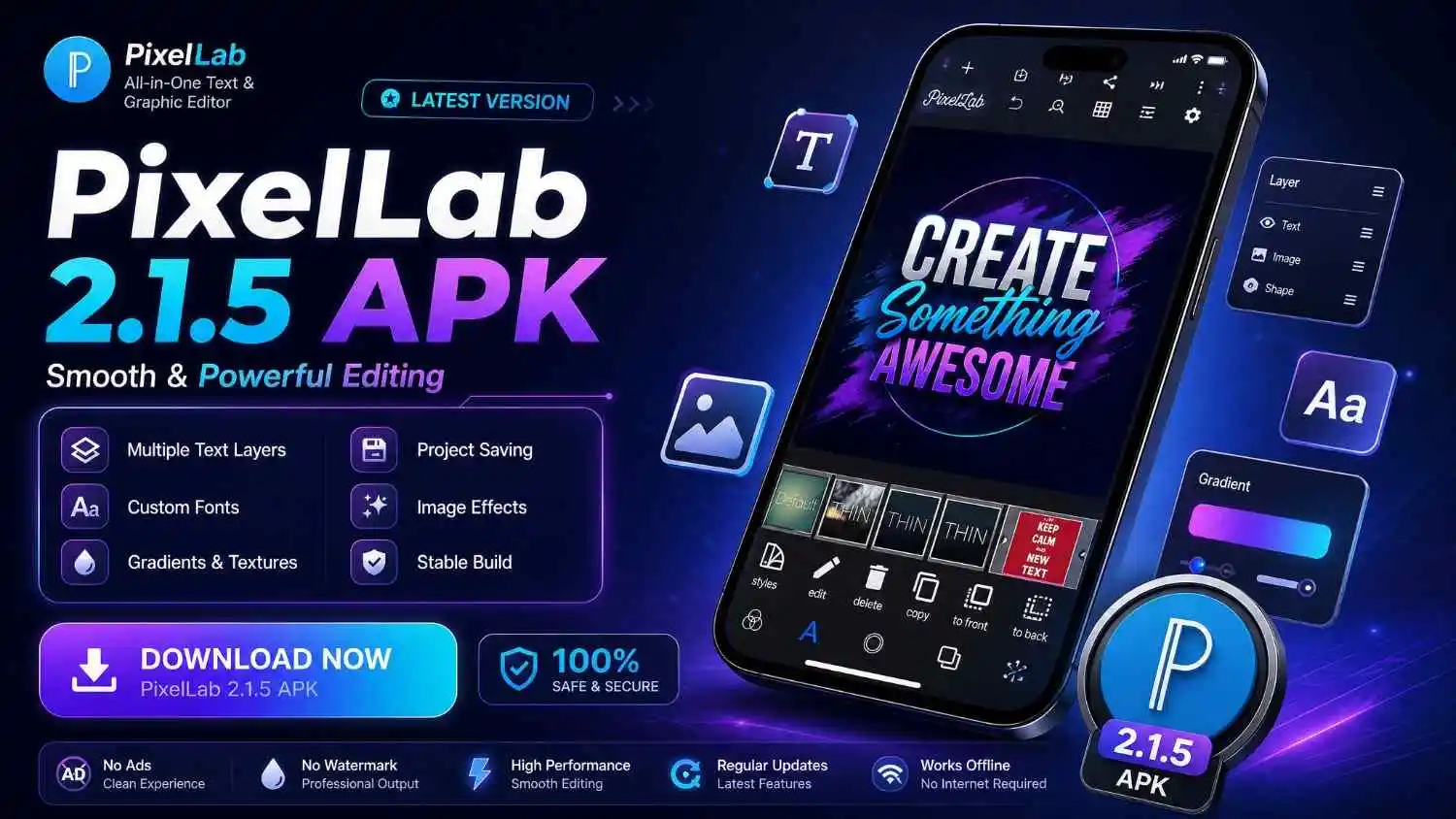
PixelLab v2.1.5
This version came with no major updates; developers only fixed errors and bugs. It is a good option if you want a lightweight, stable and glitch-free Pixellab version. It was released in Dec 18, 2025, with a file size of 29.1 MB.
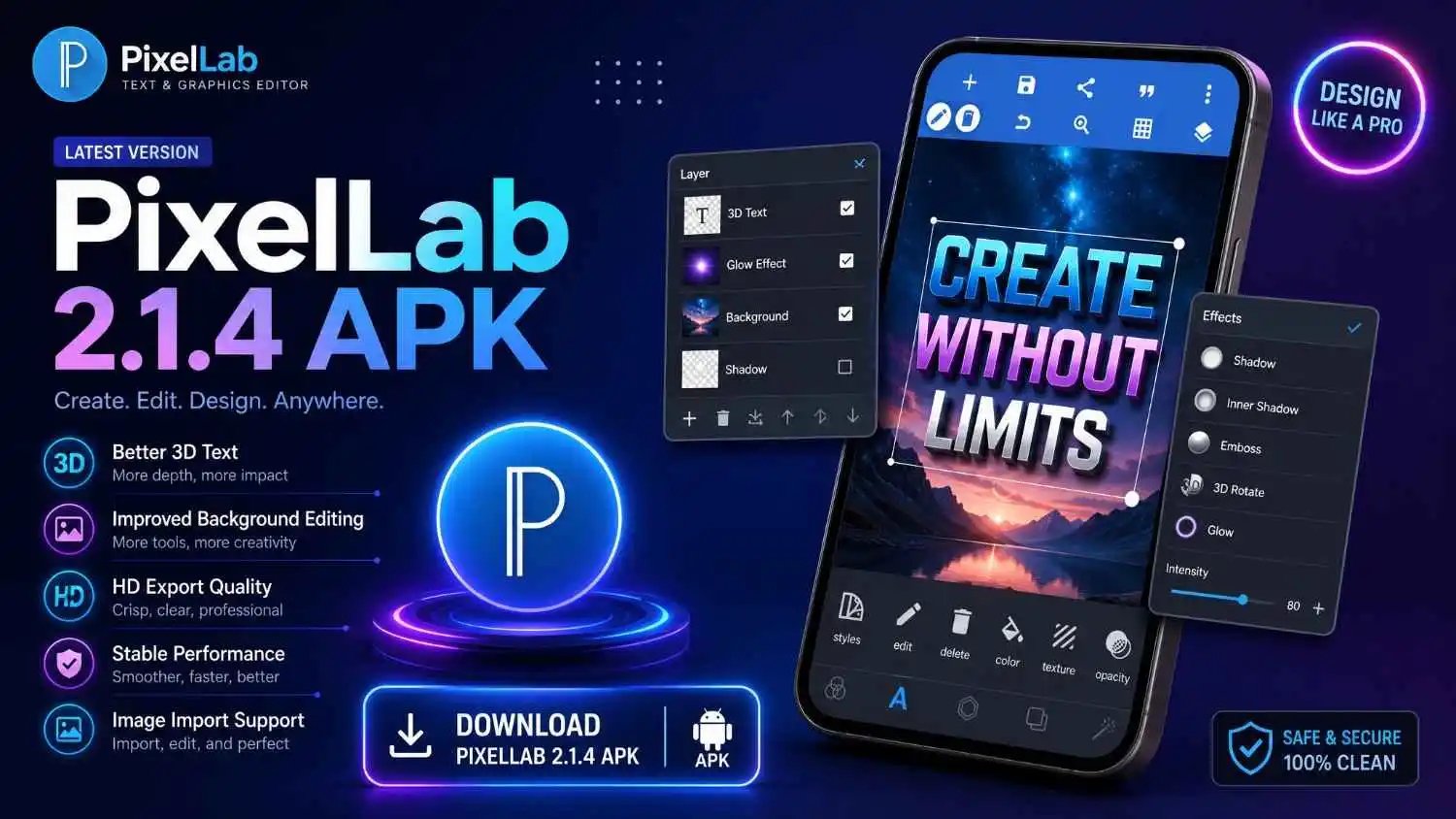
PixelLab v2.1.4
Launched on Apr 24, 2025, and it can run smoothly on Android 5.0 or higher. This version also has no major updates; only recent bugs were fixed in it, making it more stable to use on old mobile phones.
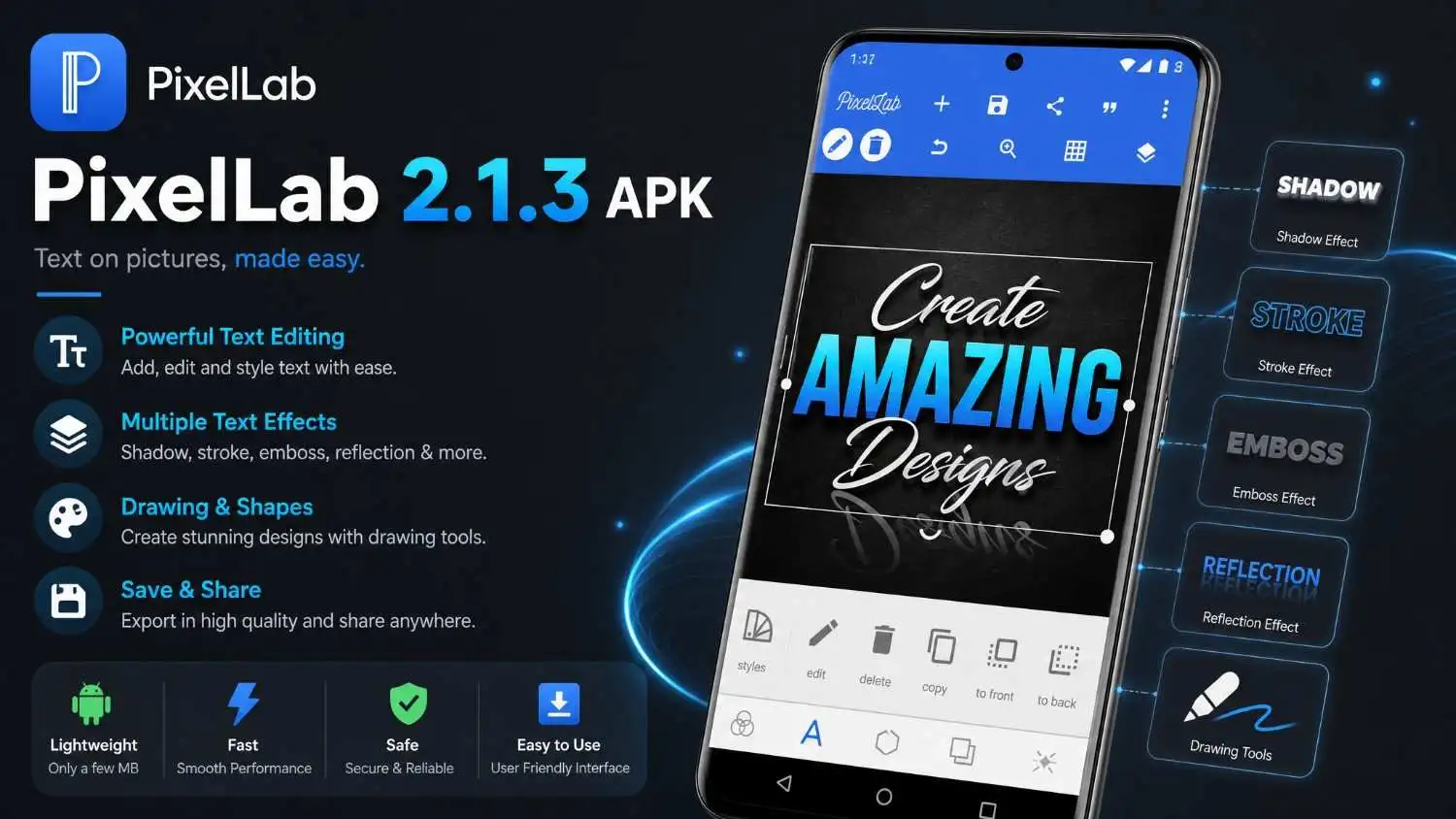
PixelLab v2.1.3
This version of Pixellab was released back in Dec 18, 2023; a major bug was fixed in this version. Developers fixed the permission issue which comes while accessing the files; this issue was faced by many users. This version has only 27.0 MB size.
PixelLab v2.1.2
Android 5.0+ is required for this version. This version came before Pixellab version 2.1.3. This version has some issues like Save/Export errors and it’s worth to download one step higher than this.
PixelLab v2.1.1
Pixellab v2.1.1 came in 2023 with a major update to the User-Interface. A new UI was introduced, which has a more refined toolbar, easier access to tools like stickers, texts, and background tools, as compared to the Pixellab 2.0 series.
PixelLab v2.0.9
Pixellab v2.0.9 is one of the most used Pixellab versions. This version was the last in the 2.0 series. It was released on Dec 13, 2022. After this version, Pixellab came with a new and advanced UI.
PixelLab v1.9.9
Pixellab apk v1 9.9 premium unlocked is the most popular older version of Pixellab. This version was released on Oct 26, 2020, it is known for it’s fast and smooth performance on older devices. It only requires Android 4.1 to work smoothly. Many users still prefer it due to its speed on older devices.
PixelLab v1.9.8
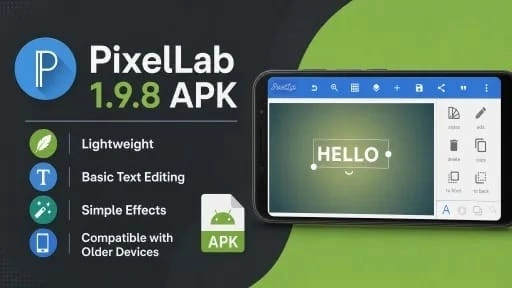
Pixellab 1.9 8 apk was launched on Jun 29, 2020, with a 28.3 MB file size. It requires Android 4.1 and has the same features as v1.9.9. Only an ad network was added in the app; no more major updates,
PixelLab v2.0.0
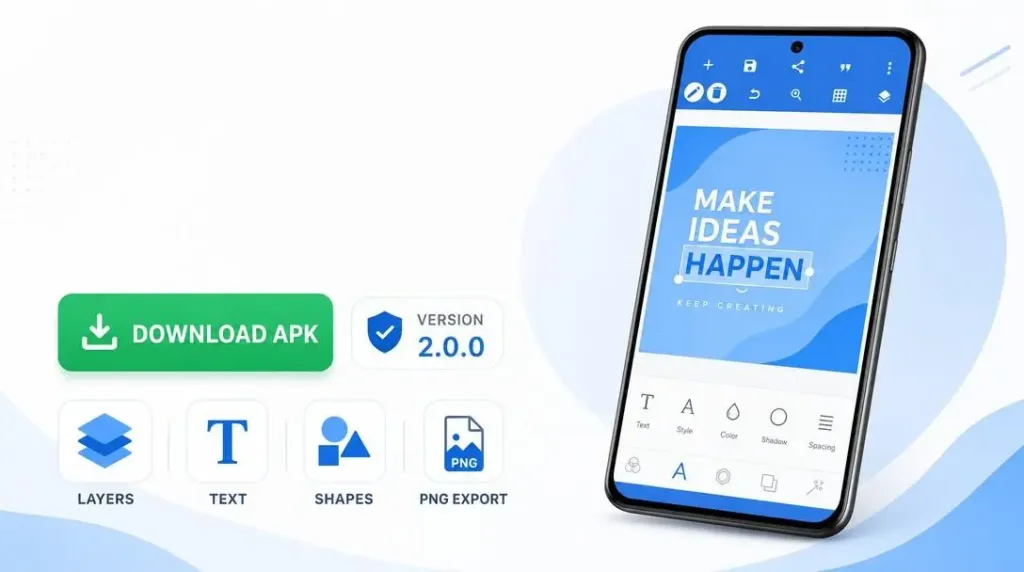
Pixellab developers added a professional feature in v2.0.0, which is layer editing. This version was released in 2022. Layer editing is a feature that is available in almost all professional editing apps, allowing you to manage different elements easily.
PixelLab v2.0.1
In this version, some background styles and filters were added, and bugs were fixed. It is called the most stable Pixellab version in the 2.0 series. This was released in 2022.
PixelLab v2.0.2
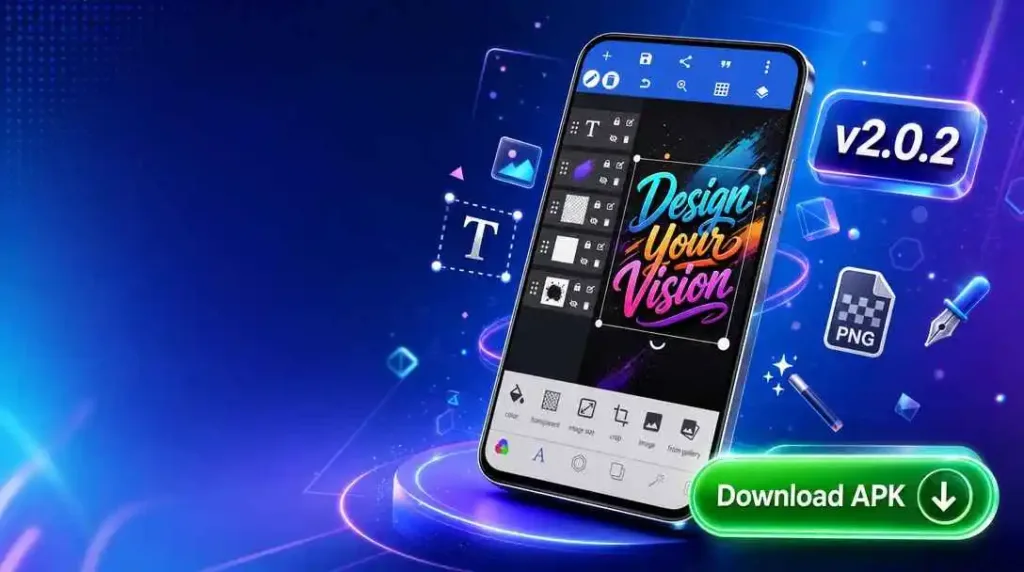
No major features were added in this version; only bugs were fixed, making it more stable and compatible with old devices. Data safety was also improved in this version.
PixelLab v2.0.4
Do you want a Pixellab version that is mainly focused on quick editing like logos, posters, and simple designs? v2.0.4 is mainly focused for quick editing tasks. It is good for users who want fast performance on older devices.
PixelLab v2.0.5
In the 2.0 series of Pixellab, the most lightweight version is Pixellab v2.0.5. It has all features like other versions like cropping, text editing, layer management and e.t.c. but still the lightest version.

PixelLab v2.0.7
This version was released in June 2022 with a 36.1 MB size. This version works better on Android 11+ devices. A major update came in this version, in which our old projects were saved in the App’s internal storage, and the new project was saved at a new location. We can also edit older projects as well as newer ones.
PixelLab v2.0.8
This version of Pixellab was released in 2022. It has the largest file size among all Pixellab versions listed, because it can run on more Android devices compared to older versions.
PixelLab v1.8.8
PixelLab version 1.8.8 is one of the oldest PixelLab versions, which was released in 2017. Some new features were added to it, like image flipping and padding options. A bug called the Android Oreo bug was fixed in this update. Its previous version came with new features like Bezier curves and guide tools, and these features are still available in newer PixelLab versions.

PixelLab v1.9.4
This version was launched in Jun 23, 2019. Which thing do you prefer most? Stability? So this version is the best fit for you. PixelLab v1.9.4 comes with all the basic necessary features like text editing, different fonts, backgrounds and other basic features. It was one of the most stable version of PixelLab that is also compatible with low-end devices.
Why Do Users Prefer Older PixelLab Versions?
You know why most editors use older versions of PixelLab APK? The older versions of PixelLab APK provide us with a simple design and more responsive editing features. They come with the best performance on low-end and old devices because of their lightweight size. This is the main reason expert editors prefer older versions to newer ones.
How to Install Old Apk Versions on Android (Step-by-Step)
Download PixelLab APK
- Open any browser on your Android mobile (Chrome suggested).
- Go to the Pixellabhub.
- Download your desired and favorite version of PixelLab APK.
- Once the downloading process is done, open the downloaded file.
Open File
Go to the file manager on your mobile and install the downloaded file.
Enable Unknown Sources
- When you click on install, the mobile will ask for permission to “Enable Unknown Sources.”
- Simply enable it from settings. Go to Settings and search for “Enable Unknown Sources.”
- Enable it.
- Go back to the downloaded APK file and install it. The installation will start once completed.
- Enjoy your professional editing experience.
Open PixelLab Application
Go to the home page of your mobile and navigate to your app. Click on it and start your editing with no limitations.
Tips & Tricks for using Pixellab Old Versions Efficiently
Learning editing as a beginner is not a very difficult thing. I was also one of those people who thought editing could only be learned by people who spend 4 to 5 hours daily on it. But when I started making small videos and images, it became easier and easier.
For beginners, the best choice to learn editing is to keep practicing and discovering new things. PixelLab is a very good application that can help you better understand editing.
CONCLUSION
PixelLab provides a variety of old versions for its users. These old versions fulfill different requirements of users based on their preferences. I accept that choosing any one version is difficult, but once you choose one of them, your creativity and productivity can reach peak level.
Users choose PixelLab old versions for device compatibility, editing needs, user interface preferences, and much more. We have also discussed the old versions, their requirements, pros and cons, advantages and disadvantages, and compared different versions in detail.
We have also guided users on how to install and use both old and new versions of PixelLab. If you want to get tips, guides, or detailed information related to PixelLab’s latest versions or PixelLab’s old versions, visit our website and explore every possible detail in depth.