PixelLab vs Canva Complete comparison Which tool is best for you? Complete review 2026.
Do you want to make your picture Pro-Level? I know it is difficult to decide which tool to choose on the internet. The most popular Graphic design softwares are Pixellab and Canva. So we mafe a complete comparison PixelLab vs Canva. Editors always want an editing app that fulfills all basic professional editing needs and requirements. Both canva and Pixellab are professional and easy to use editing tools, we will discuss both in detail.
Don’t worry! about the best editing app. Because PixelLab apk covers all necessary requirements that a professional editor wants. It has a very professional and simple user interface which is full of advanced editing features. It has provided a variety of Photo-editing for editors to edit their photos and do editing with no cost.
In this blog we have covered all features, pros & cons, do and don’ts, template limits and compatibility of both PixelLab and Canva. Both of the apps provide a professional editing environment and features. After reading this blog you will be able to choose the one that fulfills your requirements.
PixelLab vs Canva Introduction
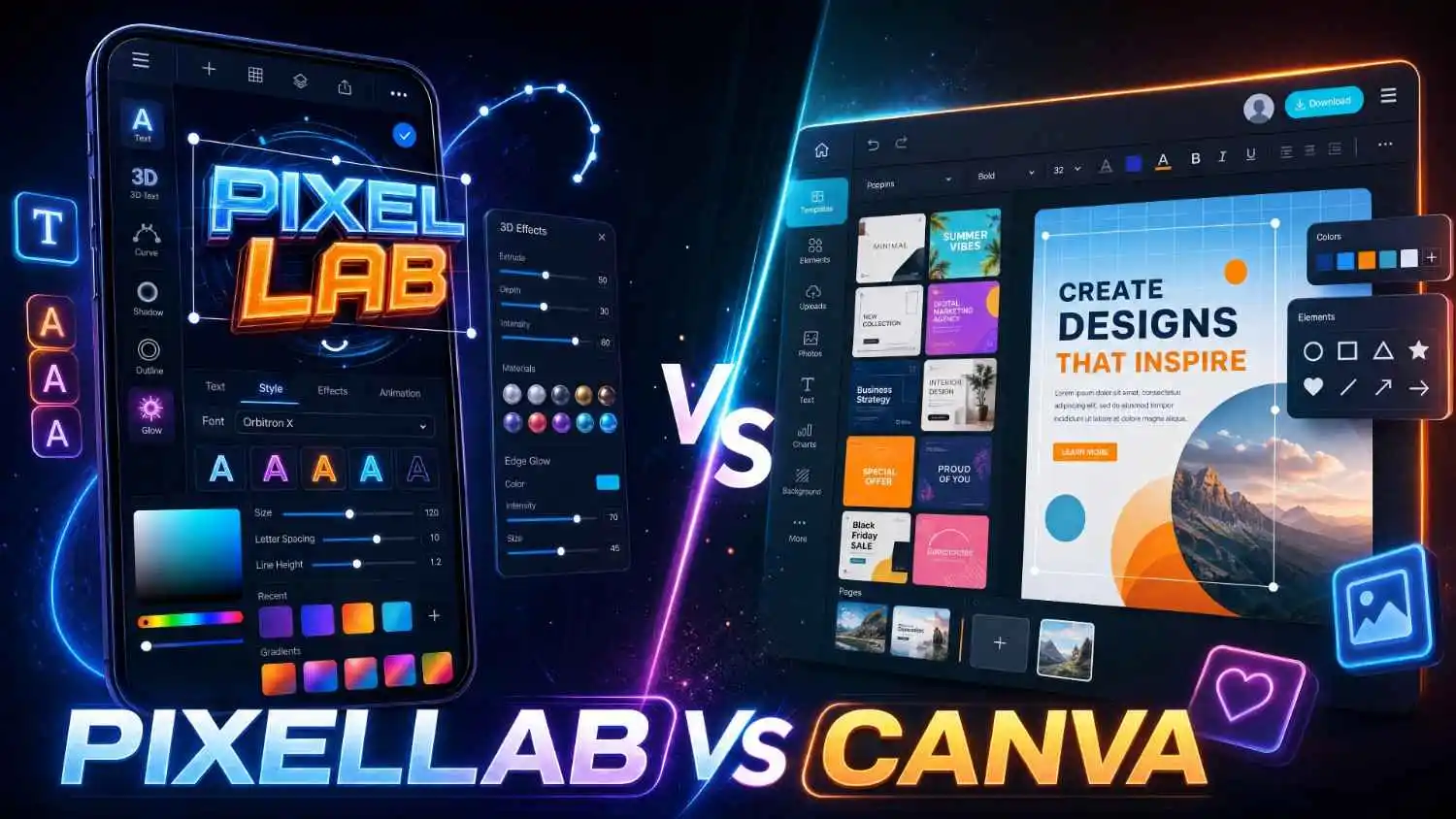
When we talk about the best editing apps, the two most popular and common applications in our mind are Pixellab and Canva. They also have some differences that make them different from one another. After complete research and in depth comparison we found that PixelLab is far better than Canva.
Pixellab
Pixellab is one of the Most Popular Mobile editing applications used in daily life. PixelLab offers a variety of text customization, chroma key, 3D shapes and layer management features. It is mostly used by marketers, business owners and social media influencers to make their thumbnails and posts designs. Professional editors prefer to use PixelLab rather than Canva because of its simple and fast user interface.
The best part of Pixellab is offline editing. You don’t want an internet connection to edit your designs. PixelLab provides all editing features without an internet connection unlike canvas which requires internet, this is the most common feature due to the user who prefers PixelLab than other editors.
It offers a bundle of text customization and editing features as compared to canva. It is best for making personal post designs, daily quick edits, thumbnail designing and Professional logo designing.
Canva
Canva is an online editing tool that provides a user-friendly interface to design like a professional editor, It provides all tools and features to make all types of designs. It also provides a Drag and Drop feature which allows users to upload pictures and elements quickly in no time. It provides millions of pre-made templates to customize and make your design.
Canva is a beginner friendly editing tool but its bottleneck is that it requires an internet connection as must to do editing. It provides limited storage options for uploading, you must buy the premium version to increase the storage limit. It also doesn’t allow free users to edit its premium templates, you must buy its paid plan and then edit the designs. Contrary to this Pixellab is a completely free to use online editor that allows you to edit without the access of internet connection.
User interface of Pixellab and Canva
Pixellab’s User interface
Pixellab’s interface is very simple and responsive and provides efficient and quick response. It works smoothly on Mobile phones because of its light weight and responsive ui. It offers easy layer management features that help to control and adjust the elements and pictures in your designs. It automatically saves your design. You don’t want to panic about saving and then exporting it. It also has redo/undo, background removal, and many border options.
Canva’s User interface
Canva’s User interface is a little complicated for new users and beginners, because it is fully loaded with complex tools that require editing knowledge and experience to use efficiently, these tools are frustrating for new learners and small editors. Most of the people don’t have access to the internet so it degrades them, in contrast pixellab provides all editing features for them free ena without internet access.
Canva user interface is difficult to understand. Different menus, sections, and rows make it messy and less easy for beginners. Canva is often used in desktop, if you want to use it in your mobile it will require large amounts of free storage and canvas may lag on mobile. It slows your phone if you are working on a large project. Canva is not recommended for mobile; it may slow your device.
Pixellab Vs Canva All Editing Features Compared
Pixellab Features
Pixel lab offers you a wide range of editing features as compared to pixel lab. Here are the list of editing features that offered by pixel lab to their editors
- Text Style
- Text Efforts
- Text Positioning
- Layering and Text Styling
Pixellab Provides a large range of Premium editing features to their editors free of cost as compared to paid Canva. Here are the complete list of these Features,
- Background removal
- Free PNG export
- Background Replacement
- 3D Text Effects
- High resolution export
- SVG export
- Watermark free export
- Magic Resize
- warp text
- Filters & effects
- Drawing tools
- Image warp tool
- AI background eraser
- Stickers & shapes Elements
Canva Features
Canva offers you basic editing features for free that are not enough for pro level editing, it requires a paid version for all the features. In contrast pixellab is a complete free package that provides all the basic to pro level tools for free. These are some bottlenecks of Canva
- Lack of Export options in free version
- Online available only, requires internet access
- Difficult to edit multiple pages
- Costly
- Watermark to paid designs
- Very Basic 3D text editing
- Not Compatible with low end mobile phones
- Mainly made for Computers
- Limited storage
- No offline file saving
- Performance may affected on large projects
All of these features & functions are not provided by the free canva version. But PixelLab provides all of them free of cost.
Conclusions
After reading this blog we came to decide that PixelLab offers far better options than Canva, both of them are good editing apps but Pixellab leads because of its limitless performance and features. Pixellab provides a complete tool for the small entrepreneurs to run and scale their ventures. PixelLab is also free unlike canva.
Editors use Pixellab for both Daily tasks and professional level editing, now it is becoming a tool for freelancers to earn money and design easily with no performance issues and limits. It comes with a simple GUI (Graphical User Interface) making it easier for beginners and new learners to start and learn photo editing.
In summary, Pixellab is a better option which is offline and provides all basic to professional editing features for free with no cost, however Canva is also good but it has many limitations in the free version and it requires internet access to save and edit Designs and Graphics.