PixelLab vs Logo Maker: Which Is Better Editing App for Creating Logos?
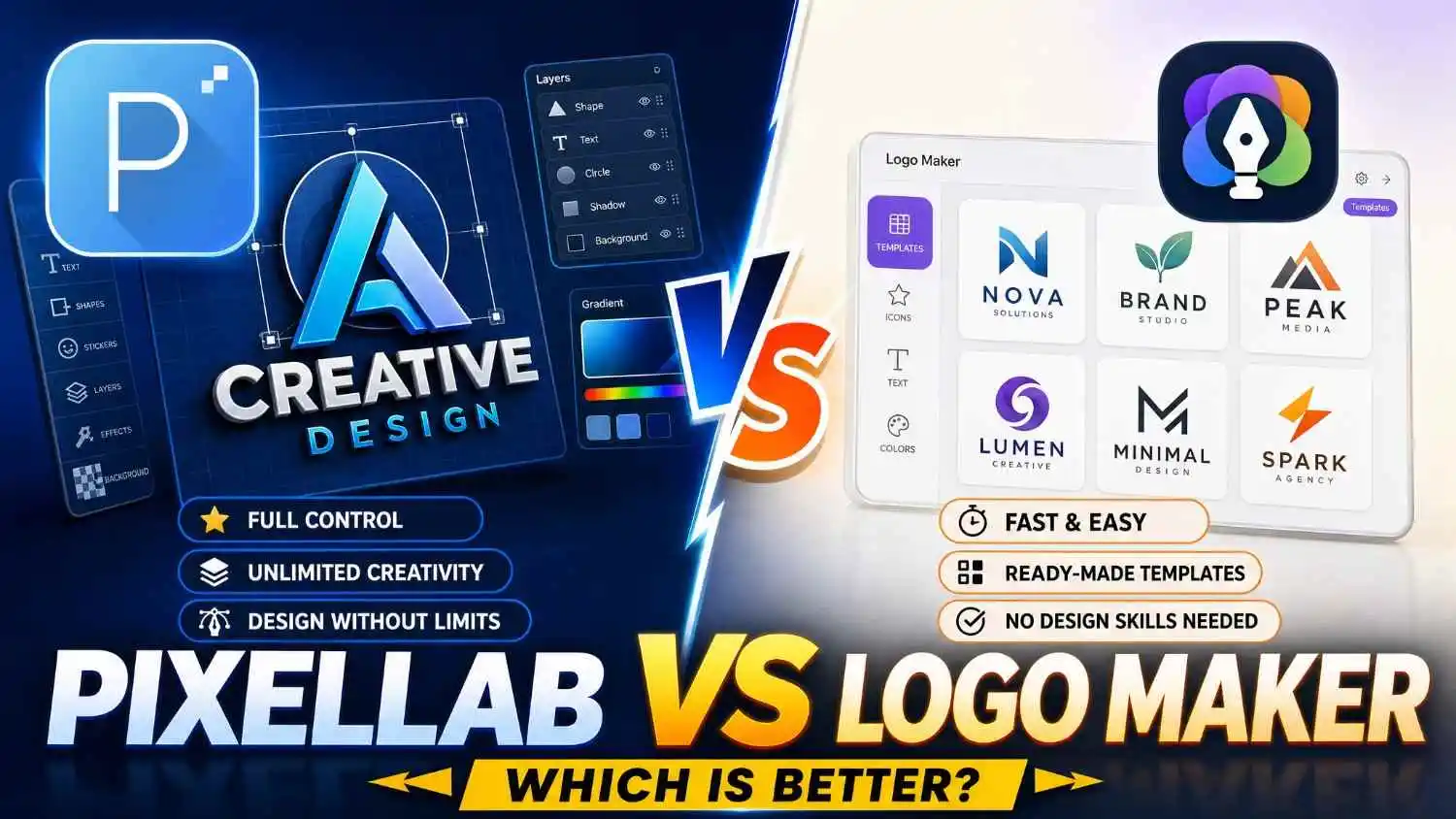
Are you trying to improve your skills to make better eye-catching logos? Pixellab and Logo maker app help you to make attractive logos in your mobile. Logo maker app is mostly focused on the templates and quick logo tasks. Pixellab on the other hand provides you more professional features like Custom Fonts, Typography, Text Effects and Layers Management. Both Pixellab and Logo Maker have different features, pros & cons, user-interface and tools.
Are you a graphic designer and looking for the best editing app that has all tools required for creating a perfect logo? Pixellab and Logo Maker are both good apps with different strengths. Pixellab is a great app for the users who want to design their logos from scratch. The primary focus of the Logo Maker app is providing templates.
In this Comparison “Pixellab vs Logo maker” we will compare all factors of Pixellab and Logo Maker. Whether it is text customization, Layers management, Color effects or Background.
Introduction to Logo Design Tools and Features
In this world of Technology. Logo is the main identity of any brand. Logo creates the first expression to a user, customer or even client. You can now easily create logos by using modern editing applications like Pixellab and Logo Maker App. Even if you don’t need a professional PC for designing a logo you can simply do it from your mobile phone.
Pixellab and Logo Maker are good apps but they have different strengths as I mentioned above. Pixellab is the best app for customization and designing a logo from scratch. The main focus of Logo Maker app is templates and pre-made designs, it is good for the one who want to make low priority and quick logos without any effort
PixelLab for Logo Creation: Customization, Typography & Designing.
Pixellab is a All-purpose mobile graphic design app that can be used for making any type of graphic e.g logos, banners, posts, cards and e.t.c. If you want more control over your designs, graphics and its elements without relying only on ordinary templates, then Pixellab is for you. With its premium features and tools like Custom fonts, background remover and text effects you can design mind-blowing graphics.
PixelLab vs Logo Maker: Strengths and Limitations for Logo Design
Are you a beginner in photo editing and trying to choose the best app among Pixellab and Logo Maker? Every editing app has its own Environment, Tools, and Features, Pixellab is also the one. It comes with a large collection of tools and features. Beginners may take time to understand them and start using them seamlessly.
Strengths of Pixellab
High Customization
Pixellab provides almost all the controls to your graphic, its elements, icons and tools. You can customize everything as you like whether it is text customization, custom fonts, adding shapes and stickers e.t.c. It is a suitable app for the people who want to make the graphics professionally and directly from their mobile.
Advanced Text Effects
Text Customization is the feature for which the Pixellab is famous as “Text on Pictures” It provides a large range of text tools & features like stroke, custom fonts, gradients, 3D Text and other text features.
Layer Support
Layer editing is the feature that makes Pixellab easy to use, more reliable and professional. You can easily manage your elements, stickers, text boxes and images by using this tool.
Offline Access
Don’t have internet access? Want an offline editing application? Pixellab doesn’t require the internet to edit on it. It is a completely offline editing app, however few features require internet connection but you can still edit professionally.
Limitations in Pixellab
Pixellab is a reliable and flexible use editing app, but as every thing has limitations, so it is not different.
Mobile-First
Pixellab is made primarily to use in Mobiles, you can make amazing logos easily without any PC work. You can also use Pixellab on your PC or Laptop but it requires an emulator, So if you are working on a big project then Pixellab for PC is a good option.
Limited Icon Library
Pixellab comes with a few built-in icons and stickers, but you can add your new emojis and stickers in it by importing. Most professional designers usually import their own elements without using Conventional elements.
Learning Curve
Are you a beginner in photo editing? Trying to learn Graphic designing? Pixellab is the best option for you to start your journey. It is an easy to use application with a simple and organized tool bar. You can learn it very easily and start making professional graphics. It also comes with pre-made templates, if you don’t want to make your design from scratch then you can use them.
Which Is Better for Your Logo Designing Needs: PixelLab or Logo Maker?
Both of these applications are a good option for creating logos, but it depends upon your needs. If you are a beginner in editing and want to make logos simply by selecting templates and editing the name then Logo Maker App is for you. On the other side Pixellab is a complete package for graphic designers who want complete control of their designs. It has all basic to professional tools that are required for photo-editing.
PixelLab vs Logo Maker App: Feature-by-Feature Comparison
Do you want to compare all the features of Pixellab and Logo Maker App? Our team made this easy to understand comparison. You can read it and understand the features of both apps.
- Pixellab: Pixellab is one of the most easy-to-use complete graphic designing apps in the world. It is great for both beginners and professional editors.
- Logo Maker App: No effort needed, you just want to select a template and then edit text and colors.
- Pixellab: You have complete control of your design including text boxes, colors and shadow effects, images and backgrounds.
- Logo Maker App: Very few customization features. You can just edit your texts, and change colors in the templates.
- Pixellab: Pixellab is known for its typography features. You can import new fonts, customize them, add strokes, color effects and gradients.
- Logo Maker App: Very basic fonts usually depend upon the template you are using.
- Pixellab: Pixellab comes with many pre-made templates; you can also use them if you want more access to customization without effort.
- Logo Maker App: Large variety of templates but you have very few customization features.
- Pixellab: Pixellab has a built-in layer management tool that allows you to manage elements especially in complex graphics.
- Logo Maker App: Layer editing is not available in the Logo Maker app.
- Pixellab: It is the best option for creating logos from scratch if you want more features, tools and professional workflow and designs.
- Logo Maker App: It is suitable for users who want only low-priority logos in quick time.
Conclusion
Pixellab and Logo Maker are both good apps for logo creation. Choosing the one application totally depends upon your needs and editing knowledge. A logo usually tells 50% – 60% about the brand, that’s why it is the main identity of any brand. If you are the person who wants to make logos from scratch and also want to start with a professional app then Pixellab is the best. However, Logo Maker is for those people who want quick editing of Logos by just selecting the template. We recommend using Pixellab if you want to make professional, eye-catching and unique logos for your brands.